ScreenSleep
A macOS menu bar app that dims your display to black after a period of inactivity, and snaps it back the instant you touch the keyboard or trackpad. It’s not a screensaver and not a lock screen — it only moves the backlight, so whatever was on screen is still there when it comes back, exactly as you left it.
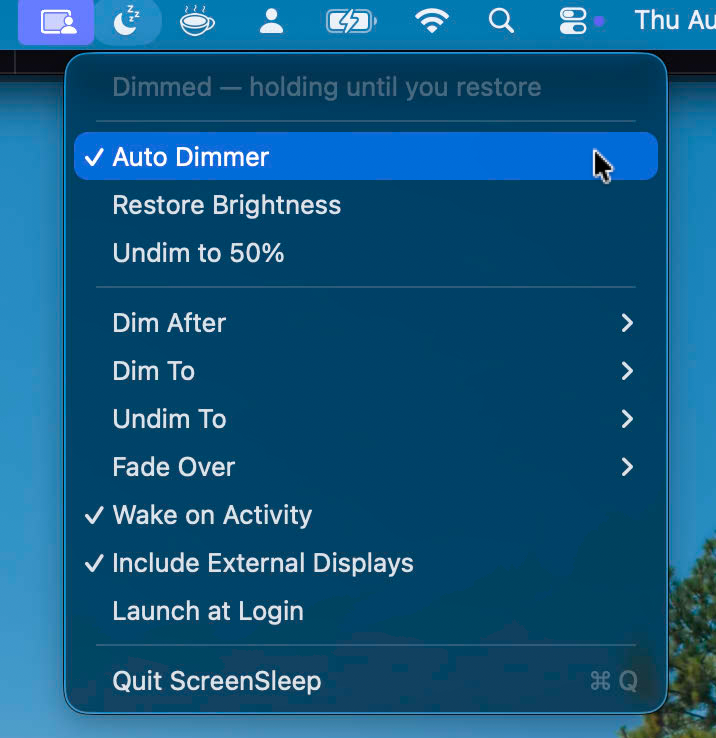
Out of the box: dim after 15 minutes idle, fading to 0% brightness over 3 seconds. Dim delay, target brightness, undim level, and fade duration are all configurable from the menu.
- macOS 13 Ventura or later, Apple silicon or Intel
- No Accessibility, Input Monitoring, or Screen Recording permissions required
- Menu bar only, no Dock icon
Source, install instructions, and architecture notes are on GitHub: github.com/AlaShiban/screensleep.